Beyond Autocomplete: Why 2026’s AI Coders Rewrite Your Entire Repo
Remember the days when the biggest compliment you could pay a developer was telling them they had "clean code"? Back then, cleanliness meant consistent indentation, sensible variable names, and maybe a well-placed comment explaining why that particular regex was necessary. We were in the era of the artisan coder, hand-crafting every line like a scribe writing by candlelight. Fast forward to November 2026, and the landscape has shifted so dramatically that if you are still thinking about coding in terms of individual lines, you might as well be trying to mail a letter via carrier pigeon while standing on a high-speed train.
The narrative has changed. It is no longer about how fast you can type or how many shortcuts you know. It is about how much of the cognitive load you can offload to a system that understands the context of your entire project. The AI coding assistants of today have evolved far beyond the primitive autocomplete tools of a few years ago. We are now living in an era where systems can understand repositories, explain legacy code, generate comprehensive test suites, refactor entire file structures, and even complete complex development tasks autonomously [1]. This shift has made the developer’s job more interesting, but it has also made the choice of tools more critical than ever. Choosing the wrong tool in 2026 is like bringing a kitchen knife to a demolition site; it’s technically possible, but it’s going to be a long, painful day.
The Death of the Line-Based Paradigm
To understand why 2026 is a watershed moment for software engineering, we have to look at how we got here. For decades, the fundamental unit of code was the line. Editors were line-oriented. Compilers processed lines. Even our mental models of debugging were often line-based: "The error is on line 42." This was a necessary abstraction because computing power was limited. We had to think in small chunks because the machines could only process small chunks at a time.
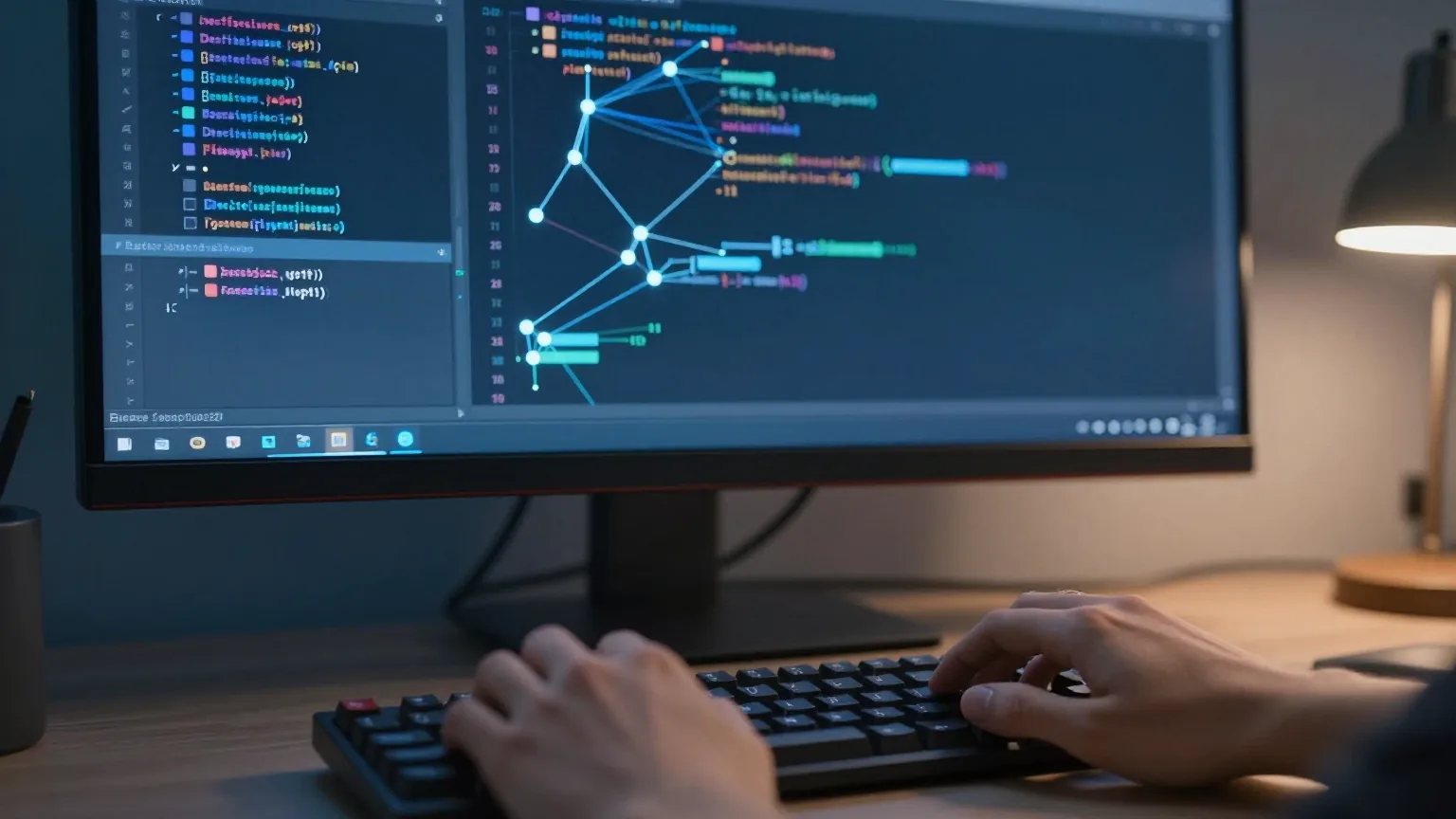
But the machines got smarter. They didn’t just get faster; they got contextual. The transition from "autocomplete" to "repo-aware" intelligence is akin to the difference between a word processor suggesting the next word and a co-author who has read the entire book, understands the plot twists, and knows the character motivations. In 2026, an AI coder doesn’t just look at the cursor; it looks at the dependency graph, the CI/CD pipelines, the documentation, and the git history. It sees the forest, not just the trees. This means that when you ask it to "fix the login bug," it doesn’t just patch the function where the error is thrown. It traces the data flow from the frontend component, through the API gateway, to the database query, and suggests a fix that addresses the root cause in the schema definition, all while ensuring that the new logic doesn’t break the three other services that depend on that API endpoint.
Understanding the Repository: The Context Window Revolution
The technical breakthrough that made this possible is the massive expansion of context windows. Early large language models (LLMs) could only hold a few thousand tokens in memory, which meant they could barely hold a single complex function in their heads, let alone a class. By 2026, we are seeing models that can ingest entire codebases of hundreds of thousands of lines. This isn’t just about memory; it’s about attention. The AI can now maintain a consistent understanding of naming conventions, architectural patterns, and business logic across disparate files [1].
Imagine a legacy codebase from the early 2000s. It’s a monster. Spaghetti code, no documentation, comments that lie, and dependencies that have been abandoned for a decade. In the past, onboarding a new developer to such a project took months. Today, an AI assistant can ingest the entire repository in minutes. It can generate a high-level architectural map, identify circular dependencies, and even draft a documentation file that explains the intent behind the most convoluted modules. It acts as a Rosetta Stone for legacy code, translating the cryptic jargon of the past into the clear, structured language of the present. This capability has turned "tech debt" from a scary buzzword into a manageable line item in the budget, because the cost of understanding the debt has plummeted.
From Suggestion to Execution: The Autonomous Loop
One of the most significant cultural shifts in 2026 is the move from "human-in-the-loop" to "human-on-the-loop." In the early days of AI coding, the human was in the loop. The AI suggested a line, and the human had to copy, paste, and verify it. It was a collaboration, but a slow one. Now, the human is on the loop. You define the goal, and the AI executes the plan.
This involves a multi-step autonomous loop. First, the AI analyzes the request. Second, it generates a plan, which might involve modifying five different files and creating two new test cases. Third, it executes the changes in a sandboxed environment. Fourth, it runs the tests. If the tests pass, it presents the diff for your review. If they fail, it diagnoses the failure, adjusts the code, and tries again. This iterative process happens in seconds. The developer’s role has shifted from "writer" to "editor." You are no longer typing every character; you are reviewing the work of a tireless, infinitely patient intern who never sleeps, never gets frustrated, and never forgets to add error handling.
The Refactoring Renaissance
Refactoring has always been the most dangerous part of software development. It’s the art of changing the structure of code without changing its behavior. It’s high risk, high reward, and usually done in small, careful increments. AI has democratized this process. In 2026, it is routine to ask an AI to "refactor this module to follow the Clean Architecture pattern." The AI will analyze the current structure, identify violations, and generate a new structure that separates concerns properly. It will update all the imports, rename variables for clarity, and ensure that the public API remains unchanged.
This is particularly powerful for teams that are trying to modernize their tech stack. Imagine migrating a monolith to microservices. In the past, this was a project that could take years and required a dedicated team of architects. Now, an AI can identify the boundaries of services by analyzing the data flow and coupling between modules. It can generate the skeleton for the new microservices, including the API contracts and the database schemas. It can even write the migration scripts. This doesn’t mean the human architect isn’t needed; quite the opposite. The architect now has a powerful tool to explore different architectural options quickly. They can ask, "What if we split this service by domain?" and see the impact instantly. The AI has turned architecture from a static, theoretical exercise into a dynamic, exploratory process.
Testing: The End of the "It Works on My Machine" Era
If you love coding, you probably hate testing. It’s tedious, it’s repetitive, and it’s often the first thing to get skipped when deadlines loom. AI has changed the economics of testing. In 2026, it is standard practice for AI assistants to generate test suites as part of the code generation process. But it’s not just about generating unit tests for the functions you write. It’s about generating integration tests, end-to-end tests, and even chaos engineering scenarios.
The AI can analyze the code and identify edge cases that a human might overlook. It can simulate network failures, database outages, and input anomalies to see how the system behaves. It can generate a test suite that covers 95% of the code paths in a fraction of the time it would take a human. This has led to a cultural shift where high test coverage is no longer a goal, but a baseline expectation. It’s like seatbelts in cars; you don’t think about them until the accident happens, and then you’re glad you had them. The AI has made it easy to have that safety net, and it has changed the way we think about quality. Quality is no longer a phase at the end of the project; it’s built into the process, line by line, test by test.

Security: The AI Shield
Security is another area where AI is making a significant impact. In the past, security reviews were manual, expensive, and often reactive. You would write the code, and then a security team would review it, finding vulnerabilities that could have been prevented. Now, AI assistants can perform real-time security analysis. As you write code, the AI can flag potential vulnerabilities, such as SQL injection, cross-site scripting, or insecure dependencies. It can suggest secure alternatives and even generate the code to fix the issue.
This is a game-changer for small teams and startups that can’t afford dedicated security teams. It levels the playing field, allowing even small organizations to build secure software. It also shifts the focus of security from "finding bugs" to "preventing bugs." By integrating security into the development process, we are moving towards a "shift-left" security model, where security is considered at every stage of the development lifecycle. This is a cultural shift that is as important as the technical one. It’s about changing the mindset of developers from "security is someone else’s problem" to "security is my responsibility, and I have the tools to handle it."
The New Skill Set: What Developers Need in 2026
With all these changes, it’s natural to ask: What does this mean for the future of developers? Will AI replace us? The short answer is no. But it will change the job. The skills that were most valuable in the past—typing speed, memorizing syntax, debugging line by line—are becoming less important. The skills that are becoming more valuable are systems thinking, architectural design, and the ability to communicate with AI.
Developers in 2026 need to be fluent in "AI interaction." This means knowing how to prompt the AI effectively, how to break down complex problems into manageable tasks, and how to review the AI’s output critically. It’s like learning to drive a car. You don’t need to know how the engine works to drive, but you need to know how to steer, brake, and accelerate. Similarly, you don’t need to write every line of code, but you need to know how to guide the AI to write the right code.
Furthermore, developers need to have a strong understanding of the underlying systems. The AI can write the code, but it can’t understand the business context. It can’t know why the customer wants the feature in a certain way, or what the long-term implications of a design decision are. That’s where the human comes in. The developer becomes the bridge between the business needs and the technical implementation. They use the AI to execute the plan, but they are the ones who define the plan. This is a more strategic role, and it’s one that requires a different kind of creativity and problem-solving.
The Ethical and Legal Landscape
As AI becomes more integrated into our workflow, we also have to consider the ethical and legal implications. Who owns the code generated by AI? Is it the developer, the company, or the AI provider? These are questions that are still being debated, but they are becoming increasingly important. In 2026, many companies have established clear policies regarding the use of AI-generated code. They require that all AI-generated code be reviewed by a human before it is merged into the main branch. They also require that the source of the code be documented, so that it can be traced back to the AI model and the prompt used.
There are also concerns about bias and fairness. AI models are trained on large datasets, and those datasets may contain biases. If the AI generates code that reflects those biases, it could lead to unfair or discriminatory outcomes. For example, if the AI is trained on code that contains gendered language, it might generate code that uses gendered variables or comments. This is something that developers need to be aware of, and it’s why it’s important to review the AI’s output carefully. We need to be the gatekeepers, ensuring that the code we ship is not only functional but also ethical and inclusive.
The Ecosystem: Choosing Your Tools
With so many AI coding assistants on the market, it can be hard to know which one to choose. The landscape in 2026 is crowded, with tools ranging from open-source models to proprietary enterprise solutions. Each tool has its strengths and weaknesses, and the right choice depends on your specific needs. Some tools are better at generating code, while others are better at refactoring or testing. Some are integrated into your IDE, while others are standalone applications. The key is to find a tool that fits your workflow and your team’s needs. It’s also important to consider the cost. While some tools are free, others can be expensive, especially at scale. You need to weigh the benefits against the cost and determine whether the tool is worth the investment. The good news is that the bar is high. All the major tools are good, so you’re unlikely to make a bad choice. But the best choice is the one that fits your team’s culture and workflow.
Case Study: The Startup That Shipped in a Weekend
Let’s look at a real-world example. In 2026, a small startup in San Francisco decided to build a new product. They had a team of three developers and a tight deadline. In the past, this would have been a daunting task. But with the help of AI coding assistants, they were able to ship a minimum viable product in just one weekend. The AI helped them generate the backend API, the frontend components, and the database schema. It also generated the test suite and the documentation. The developers focused on the business logic and the user experience, while the AI handled the boilerplate. The result was a product that was not only functional but also well-tested and documented. This is the power of AI. It doesn’t just speed up the process; it changes the scale of what’s possible. It allows small teams to compete with large enterprises, and it allows developers to focus on the creative aspects of their work.
Conclusion: Embrace the Change
The era of the AI coder is here, and it’s not going away. The question is not whether you should use AI, but how you should use it. The developers who will thrive in 2026 and beyond are those who embrace the change, who learn to work with AI, and who use it to augment their own abilities. They are not afraid of the tools; they are masters of them. They understand that AI is not a threat, but a partner. It’s a partner that can help them build better software, faster, and with less stress. So, the call to action is simple: start experimenting. Try out an AI coding assistant. See what it can do. Learn how to prompt it effectively. Review its output critically. And most importantly, have fun. The future of software development is bright, and it’s being written by those who are willing to learn, to adapt, and to embrace the power of AI. The repo is yours. Let’s rewrite it.