From Autocomplete to Audits: The New Era of AI Coding

Remember the first time you used an AI coding assistant? It was likely a moment of mild skepticism mixed with cautious delight. You typed a function signature, hit a key, and the tool spat out a boilerplate loop. It was magic, but it was also a bit like having a very enthusiastic intern who guessed the next word in your sentence. It was helpful, but it was fundamentally passive. It waited for you to write, then it finished the line.
That era is rapidly coming to a close. As we navigate late 2026, the landscape of artificial intelligence in software development has undergone a seismic shift. We are no longer just watching AI write code; we are watching it review, refactor, secure, and even manage the lifecycle of that code. The transition from simple autocomplete to comprehensive code auditing represents a maturation of the technology that is as significant as the move from punch cards to graphical interfaces. Today, AI coding assistants are not just typing partners; they are senior engineers, security analysts, and project managers rolled into one.
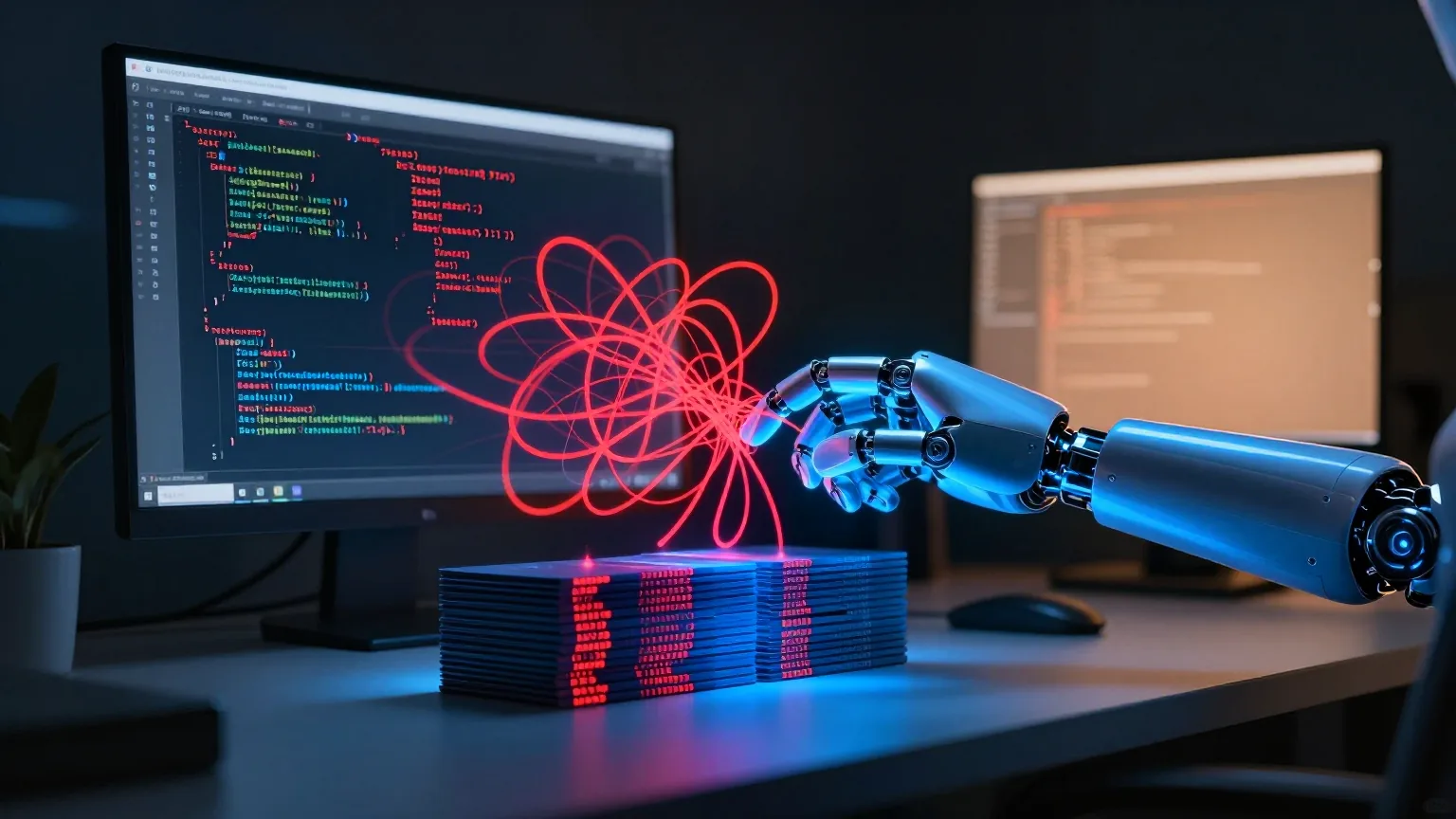
This transformation has brought unprecedented power to developers, but it has also introduced a new layer of complexity. With hundreds of tools claiming to be the "best" for your workflow, the choice has become overwhelming. The question is no longer "Can AI write code?" but rather "How do I integrate an autonomous engineering teammate into my team?" Let’s explore this new frontier, where the line between human creativity and machine execution is blurring, and where the definition of "developer" is being rewritten in real-time.
The Evolution: Beyond the Ghost Text
To understand where we are, we must look at where we started. The initial wave of AI coding tools, often referred to as "ghost text" assistants, was essentially an advanced autocomplete. They predicted the next token in a sequence based on vast datasets of public code. It was a statistical game. If you typed "def calculate_sum," the AI knew you probably wanted a loop that added numbers. It was useful for reducing repetitive typing, but it lacked context. It didn't know what your database schema looked like. It didn't know that your company had a specific style guide that forbade mutable default arguments. It didn't know that the function you were writing was part of a critical payment processing pipeline where a single off-by-one error could cost millions.
The current generation of tools has moved far beyond token prediction. These systems now understand repositories. They don't just look at the file you have open; they index your entire codebase. They understand the dependencies, the architectural patterns, and the business logic embedded in your code. This shift from "line-level" to "repository-level" understanding is the key differentiator. It allows the AI to not just complete a line, but to generate an entire module that integrates seamlessly with your existing infrastructure. It can explain why a piece of legacy code behaves the way it does, not just what it does. It can refactor a messy file to align with your team's modern standards, preserving functionality while improving readability. This is no longer a tool that types for you; it is a tool that thinks with you.
The Rise of the AI Security Sentinel
If the ability to write code faster is the headline feature, the ability to secure code is the silent revolution. One of the most significant developments in recent months is the emergence of AI-driven security auditing. Traditional security scans are often static and rule-based. They look for known vulnerabilities like SQL injection or cross-site scripting (XSS) using predefined patterns. While effective, they can miss logical flaws or complex, multi-line vulnerabilities that require a deep understanding of the application's flow.
New tools, such as Claude Security, are changing this dynamic. Now in public beta for enterprise customers, these systems scan code changes based on risk and complexity. They don't just look for bad patterns; they analyze the context. They use team-provided knowledge bases and threat models to prioritize results. This means the AI knows that a vulnerability in a public-facing API endpoint is a higher risk than a similar issue in an internal admin tool that is not exposed to the internet. Since April, thousands of organizations have used these tools to find over one million vulnerabilities. That is a staggering number. It suggests that a significant portion of the code we have been shipping, even in the hands of skilled developers, contained latent security risks that traditional methods missed. The AI acts as a tireless sentinel, catching the things that human reviewers might overlook due to fatigue or cognitive bias.
Enterprise Adoption and the Cost of Trust
The adoption of these advanced tools is not just about individual productivity; it is about enterprise risk management. For large organizations, the cost of a security breach is not just financial; it is reputational and legal. By integrating AI security audits into the development pipeline, companies are shifting security left—catching issues during development rather than after deployment. This proactive approach is becoming a standard requirement for enterprise-grade software development.
Interestingly, the economics of these tools are also evolving. To encourage adoption, some providers are offering significant incentives. For example, enterprise customers using certain AI security tools receive $25,000 in monthly usage credits for two months. This is not just a marketing gimmick; it is a reflection of the value these tools provide. If an AI tool prevents a single major security incident, it has likely saved the company far more than the cost of the subscription. The credits serve as a risk-free trial, allowing organizations to test the waters and see the return on investment firsthand. This financial model underscores the shift of AI coding tools from "nice-to-have" productivity boosters to "must-have" infrastructure components.
The Developer’s Dilemma: Choosing the Right Tool
With the capabilities of AI coding assistants expanding so rapidly, the market has become saturated. From primitive autocomplete tools to systems that understand repositories, explain code, generate tests, refactor files, and even complete development tasks, the options are endless. This shift has made it harder for developers to choose the tool that will best support them and their work. It is like trying to choose a new car when every model now comes with self-driving capabilities, but each brand has a different approach to autonomy, safety, and user interface.
When selecting an AI coding tool, developers must consider several factors. First, context awareness. Does the tool understand your entire codebase, or just the file you are working on? Second, security integration. Does it offer built-in security scanning, or do you need to integrate a separate tool? Third, privacy and data handling. Where is your code being sent? Is it being used to train models? For sensitive enterprise code, this is a critical consideration. Fourth, customization. Can you provide the AI with your team’s specific guidelines, coding standards, and threat models? The best tool is not necessarily the one with the most features, but the one that fits most seamlessly into your existing workflow and addresses your specific pain points.
Generative Testing: Closing the Loop
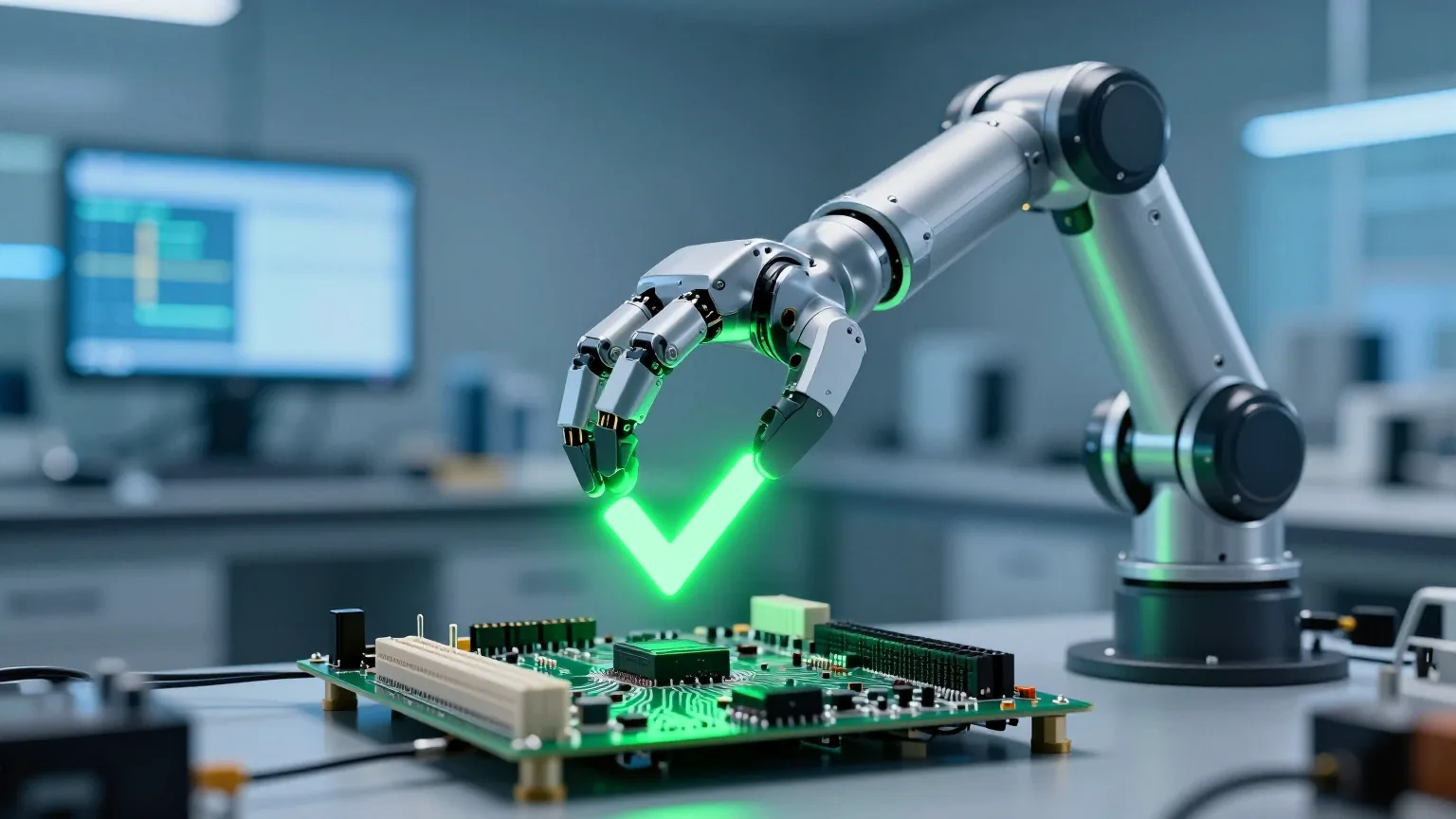
One of the most underappreciated capabilities of modern AI coding tools is their ability to generate tests. In traditional software development, writing tests is often the first task to be cut when deadlines approach. It is time-consuming, requires a deep understanding of edge cases, and is rarely as exciting as writing the core logic. As a result, many codebases suffer from low test coverage, leading to fragile software that breaks unexpectedly when changes are made.
AI tools are changing this by automating the generation of unit tests, integration tests, and even end-to-end tests. They can analyze a function and generate a suite of tests that cover not just the happy path, but also edge cases, error conditions, and boundary values. They can even identify missing test coverage and suggest specific tests to add. This is a game-changer for software quality. By making testing easier and faster, AI encourages developers to write more tests, leading to more robust and reliable software. It also frees developers from the tedium of writing repetitive test boilerplate, allowing them to focus on the logic and design of the tests themselves. In a sense, the AI handles the "what" of the test, while the developer handles the "why" and the "how."
Refactoring at Scale
Legacy code is the bane of many software teams. It is often written in an outdated style, lacks documentation, and is difficult to maintain. Refactoring this code is essential for long-term maintainability, but it is also risky and time-consuming. A single change can have unintended consequences, leading to bugs that are difficult to track down. This is where AI coding tools shine. They can analyze a large codebase and suggest refactoring opportunities. They can rename variables to be more descriptive, extract functions to improve modularity, and update outdated syntax to modern standards. Crucially, they can do this while ensuring that the behavior of the code remains unchanged. They generate the new code, run the existing tests to verify correctness, and provide a clear summary of the changes made. This allows teams to modernize their codebases at a scale that would be impossible with manual effort. It is like having a team of senior engineers who can spend weeks cleaning up technical debt in a matter of days.
The Cultural Shift: From Coder to Curator
As AI takes on more of the mechanical aspects of coding, the role of the software developer is evolving. We are moving from being "coders" who write every line of code to "curators" who guide, review, and refine the code that AI generates. This is a cultural shift that requires a new set of skills. Developers need to be better at prompting, at understanding the limitations of AI, and at critically evaluating the output. They need to be able to spot subtle errors that the AI might introduce, and to ensure that the code aligns with the business requirements and architectural principles. It is a shift from manual labor to intellectual labor. The developer becomes the architect, the editor, and the quality assurance engineer. The AI becomes the draftsman, the researcher, and the junior developer. This new division of labor requires a new level of collaboration between human and machine. It is not about replacing developers; it is about augmenting them, allowing them to focus on the creative and strategic aspects of software development.
Ethical Considerations and Bias
As we embrace these powerful tools, we must also address the ethical implications. AI models are trained on vast datasets of code, much of which is public. This means they can replicate not just the good practices, but also the bad ones. They can propagate biases that exist in the training data, such as favoring certain programming languages or architectural patterns. They can also generate code that is insecure or inefficient if not properly guided. Furthermore, there are concerns about intellectual property. If an AI generates code that is similar to proprietary code it saw in its training data, who owns the output? These questions do not have easy answers, but they are important to consider. Developers and organizations must be aware of these risks and take steps to mitigate them. This includes using tools that offer transparency into their training data, implementing rigorous code review processes, and staying informed about the latest developments in AI ethics.
The Future: Autonomous Development Teams
Where is this all heading? The trend is clear: towards greater autonomy. We are already seeing tools that can complete entire development tasks, from writing the code to deploying it to the production environment. In the future, we may see AI agents that can work on multiple tasks simultaneously, coordinating with each other to build complex systems. Imagine a team of AI agents, each specializing in a different aspect of development: one for front-end, one for back-end, one for database, one for security. They would communicate with each other, resolve conflicts, and deliver a fully functional application. The human developer would act as the project manager, defining the requirements and reviewing the final output. This vision is not science fiction; it is the logical next step in the evolution of AI coding tools. It will require advances in AI reasoning, planning, and communication, but the trajectory is unmistakable. The future of software development is not about humans writing code; it is about humans defining problems and AI solving them.
Practical Tips for Integrating AI into Your Workflow
So, how do you get started with this new era of AI coding? Here are a few practical tips:
- Start Small: Don’t try to overhaul your entire development process overnight. Start by using AI for small tasks, like generating boilerplate code or writing tests for a single function. This will help you build confidence and understand the tool’s capabilities and limitations.
- Review Everything: Never trust AI-generated code blindly. Always review it carefully, looking for errors, inefficiencies, and security vulnerabilities. The AI is a helper, not a replacement for your judgment.
- Provide Context: The more context you provide to the AI, the better its output will be. This includes comments, documentation, and examples of your team’s coding style. Use features like knowledge bases and threat models to guide the AI.
- Experiment: Try different tools and see which one works best for you and your team. There is no one-size-fits-all solution. The best tool is the one that integrates most seamlessly into your workflow.
- Stay Informed: The AI landscape is changing rapidly. Keep an eye on the latest news and developments, and be willing to adapt your workflow as new tools and features become available.
Conclusion: Embracing the New Normal
The era of AI coding is no longer about novelty; it is about integration. The transition from autocomplete to audits marks a maturation of the technology, bringing with it new opportunities and new challenges. We have the power to write code faster, more securely, and more reliably than ever before. But with that power comes the responsibility to use it wisely. We must be critical of the output, aware of the ethical implications, and committed to continuous learning. The developer of 2026 is not just a coder; they are a curator, a strategist, and a partner to an intelligent machine. This is a new normal, and it is one that we should embrace with enthusiasm and caution in equal measure. The code of the future is being written today, and it is being written by a collaboration of human ingenuity and machine precision. Let’s make sure we are ready for it.
Are you ready to embrace the new era of AI coding? Start by exploring the tools available today. Try out an AI coding assistant, experiment with its features, and see how it can enhance your workflow. Share your experiences with your team, and together, let’s shape the future of software development. The journey from autocomplete to audits has just begun, and the destination is a future where software development is more efficient, more secure, and more creative than we ever imagined.