7 AI Tools That Cut My Design Time in Half (No Code Needed)
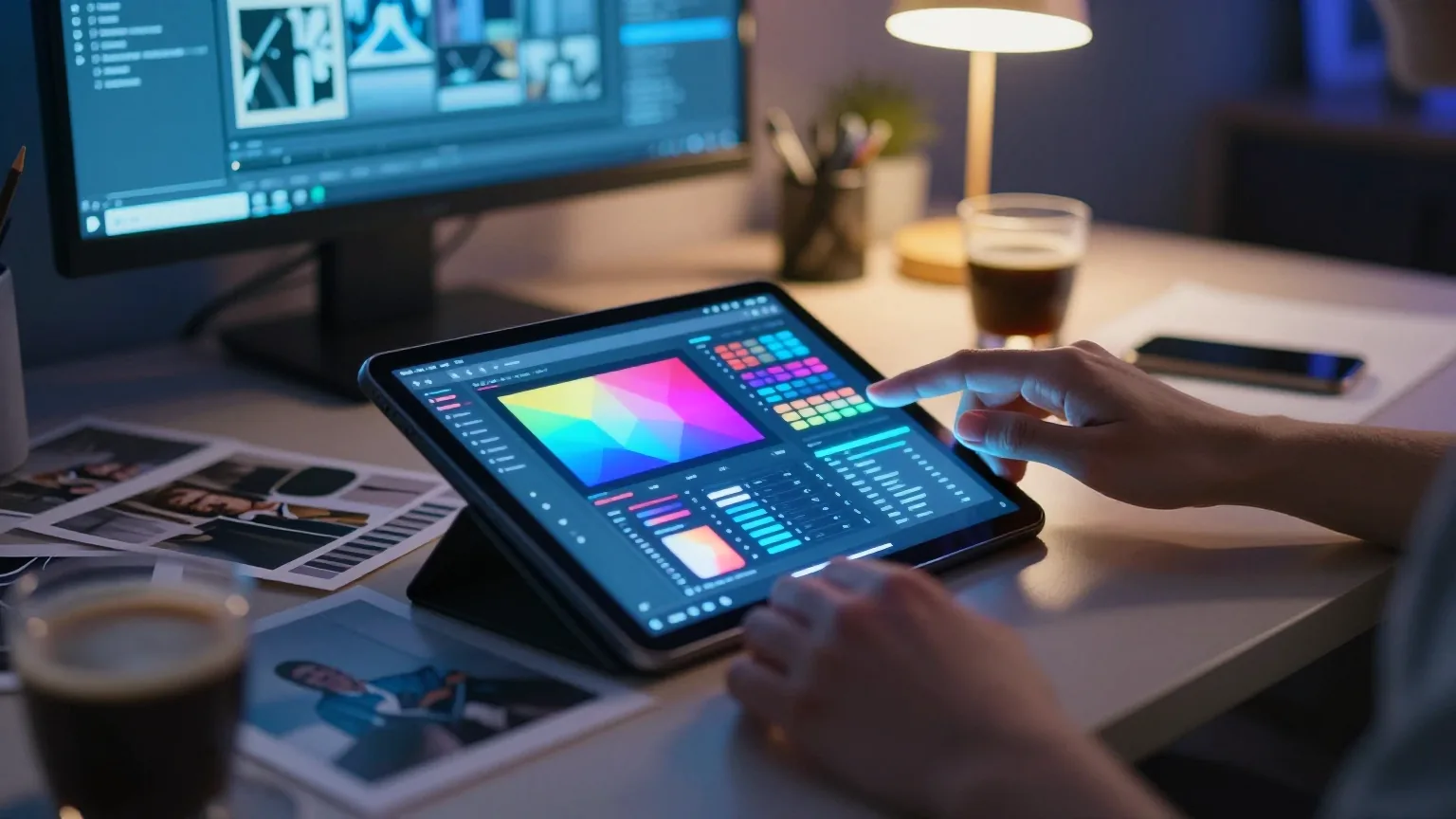
Let’s be honest for a second. We have all been there. It is 2:00 AM, the coffee has gone cold, and you are staring at a blank white canvas that feels less like a workspace and more like a judgmental mirror. You have the brief, you have the mood board, and you have the deadline, but the creative spark? It’s hiding under the couch cushions, lost in a void of digital indecision. For years, the design process felt like a solitary battle against the "blank page syndrome," where the biggest hurdle wasn't technical skill, but the sheer cognitive load of starting from zero.
But then, the tides shifted. Enter the era of generative AI. Suddenly, that blank canvas wasn't blank anymore; it was a collaboration partner. I recently audited my entire workflow, stripping away the manual drudgery and integrating a suite of AI-powered tools that require absolutely zero coding knowledge. The result? My design time was cut in half, and more importantly, my creative energy was preserved for the parts of the job that actually require human intuition. I’m not talking about replacing your creativity with a robot; I’m talking about using AI to handle the heavy lifting so you can handle the heavy thinking.
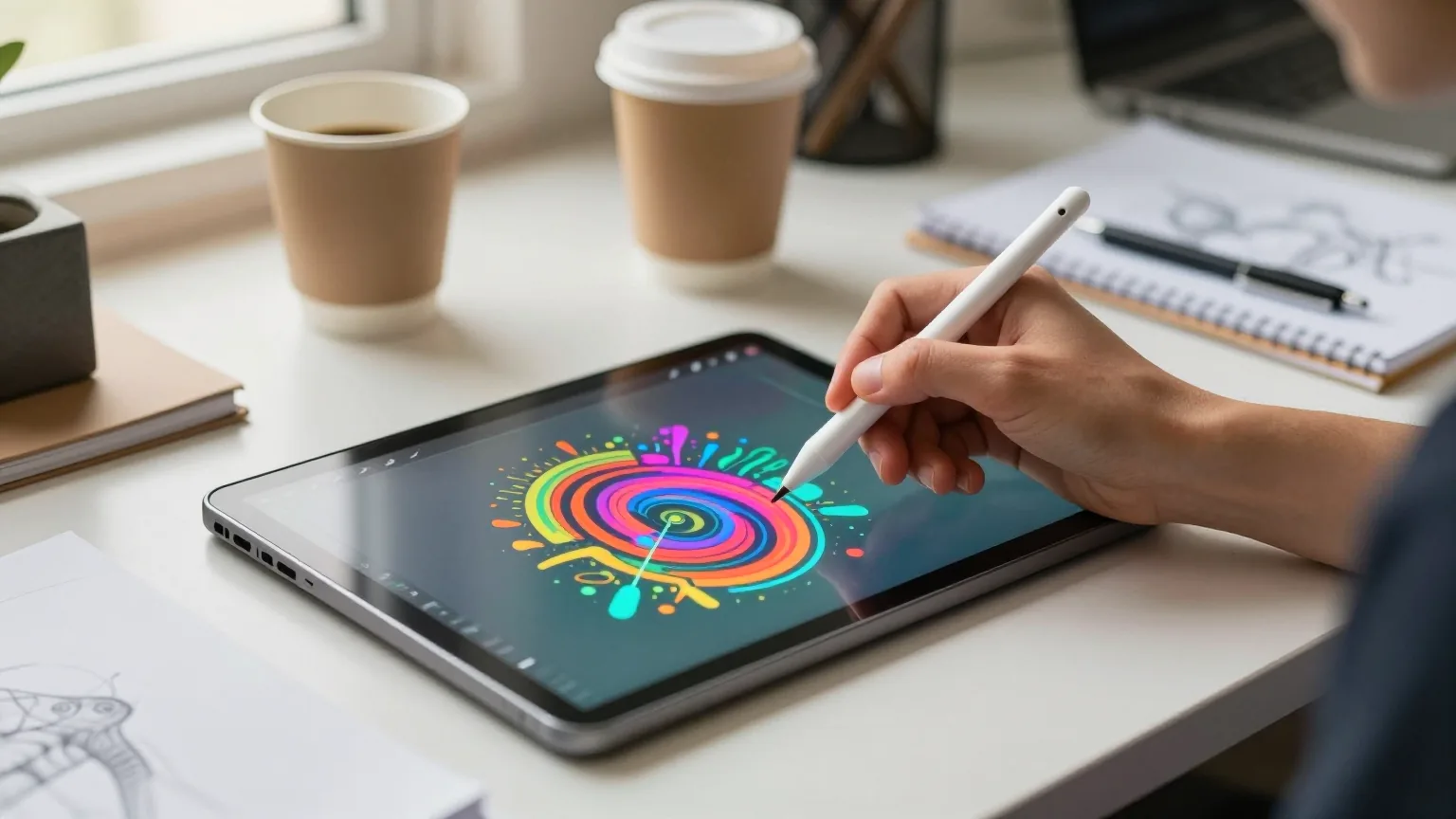
The New Era of Creative Automation
To understand why these tools are so revolutionary, we need to look at how design has evolved. Historically, design was a linear process: concept, sketch, draft, revise, finalize. Each step required significant manual labor. If you wanted to change the color palette of a 50-page brochure, you spent an hour doing it. If you wanted to generate three variations of a logo, you spent three hours. The friction of execution was high, which meant the cost of experimentation was also high. You were afraid to try new ideas because they were too expensive in terms of time to execute.
AI has flipped this script. It has turned design into a parallel process. You can now generate ten variations of a concept in the time it used to take to sketch one. This isn't just about speed; it's about cognitive freedom. By removing the barrier of manual execution, AI allows designers to explore more ideas, kill the bad ones faster, and refine the good ones with greater precision. It is the difference between walking to work and taking a car. You still have to decide where you are going, but the journey there is no longer the exhausting part of the day.
Why "No Code" Is the Game Changer
There is a persistent myth in the tech world that to use powerful AI tools, you need to be a developer. You need to know Python, you need to understand APIs, and you need to manage server-side logic. This is simply not true anymore, especially in the realm of visual design. The modern wave of AI tools is built on the philosophy of "democratization." These tools are designed for designers, marketers, and creators, not for engineers.
Think of it like the difference between writing a letter by hand and using a word processor. You didn't need to understand how the computer’s processor worked to type a document. Similarly, you don’t need to understand the underlying neural networks of an AI to prompt it for a stunning background image or a clean layout. The interface is natural language and simple drag-and-drop. This accessibility is crucial because it means that the barrier to entry for high-quality, professional-grade design assets has never been lower. If you can describe what you want, you can make it. This level of ease is what allows a solo freelancer to compete with an agency of twenty.
1. Midjourney: The Dream Interpreter
Let’s start with the heavyweight champion of image generation: Midjourney. If you have been in the design world for the last two years, you have likely seen its work. Midjourney is not just a tool; it is a creative collaborator that understands aesthetics, lighting, and composition in a way that feels almost supernatural. It is the "dream interpreter" of the design world. You give it a vague, half-formed idea, and it returns a fully realized, high-fidelity image that looks like it was shot by a professional photographer or rendered by a top-tier 3D artist.
What makes Midjourney stand out is its artistic sensibility. It doesn't just follow instructions; it interprets them. If you ask for a "cyberpunk city in the rain," other tools might give you a literal, somewhat flat interpretation. Midjourney gives you atmosphere, depth, and cinematic lighting. It understands that "cyberpunk" implies neon lights, gritty textures, and a specific mood. I use this tool primarily for mood boards and conceptual visualization. Before I start designing a website or a brand identity, I generate a series of images to establish the visual tone. It saves me hours of searching stock photos that never quite fit the vibe I’m going for. It is the fastest way to move from "idea" to "visual reference."
2. Adobe Firefly: The Ethical Workhorse
While Midjourney is the wild card, Adobe Firefly is the reliable workhorse. Integrated directly into the Creative Cloud ecosystem, Firefly is designed to be safe, ethical, and easy to use for commercial projects. This is a huge selling point for many designers who are hesitant to use AI tools due to copyright concerns. Adobe has trained Firefly on a licensed dataset, which means you can use the outputs in client work without the fear of legal headaches. It’s a relief to know that the "AI" isn't scraping the internet for other artists' work without permission.
Firefly excels at specific tasks like generative fill, text-to-image, and vector recoloring. For example, if you have a photo of a product on a white background and you need to place it in a lifestyle setting, Firefly can do that in seconds. You highlight the background, type "sitting on a marble countertop in a modern kitchen," and boom, it’s done. The lighting matches, the shadows are realistic, and the composition is coherent. It’s not just about generating new images; it’s about manipulating existing ones with natural language. This tool has become my go-to for quick mockups and photo editing tasks that used to require complex masking and blending in Photoshop.
3. Canva Magic Studio: The All-in-One Powerhouse
We cannot talk about no-code design tools without mentioning Canva. It has long been the go-to for non-designers, but with the introduction of "Magic Studio," it has evolved into a serious competitor for professional workflows. Magic Studio is a suite of AI features that handle everything from resizing images to generating text and removing backgrounds. It is the Swiss Army knife of design, and it is incredibly intuitive.
One of my favorite features is "Magic Eraser." It allows you to remove unwanted objects from a photo with a single click. No more spending twenty minutes trying to clone out a trash can from the background of a shot. Just select it, and it’s gone, replaced by a seamless reconstruction of the background. There is also "Magic Expand," which lets you extend the canvas of an image and have the AI fill in the rest. This is incredibly useful when you have a great image, but the aspect ratio doesn’t fit your layout. Instead of cropping out the important parts, you can just ask the AI to extend the scene. It feels like magic, but it’s just really, really good computer vision.
4. Figma AI: The Layout Alchemist
For UI/UX designers, Figma is the industry standard, and its recent AI integrations have been a game-changer. Figma AI doesn't just generate images; it understands structure. It can generate text for your designs, summarize content, and even suggest layout improvements. This is huge because one of the most tedious parts of UI design is filling in the dummy text and organizing components.
Imagine you are designing a dashboard for a finance app. Instead of typing out "Lorem Ipsum" and guessing how the text will wrap, you can ask Figma AI to generate realistic financial data and even summarize it into key insights. It can also help with accessibility by checking contrast ratios and suggesting improvements. The AI acts as a junior designer who is always available to help with the nitty-gritty details. It keeps the workflow fluid and prevents you from getting stuck on the small stuff. It’s like having a pair of extra hands that can handle the busywork while you focus on the user experience.
5. Looka: The Brand Identity Generator
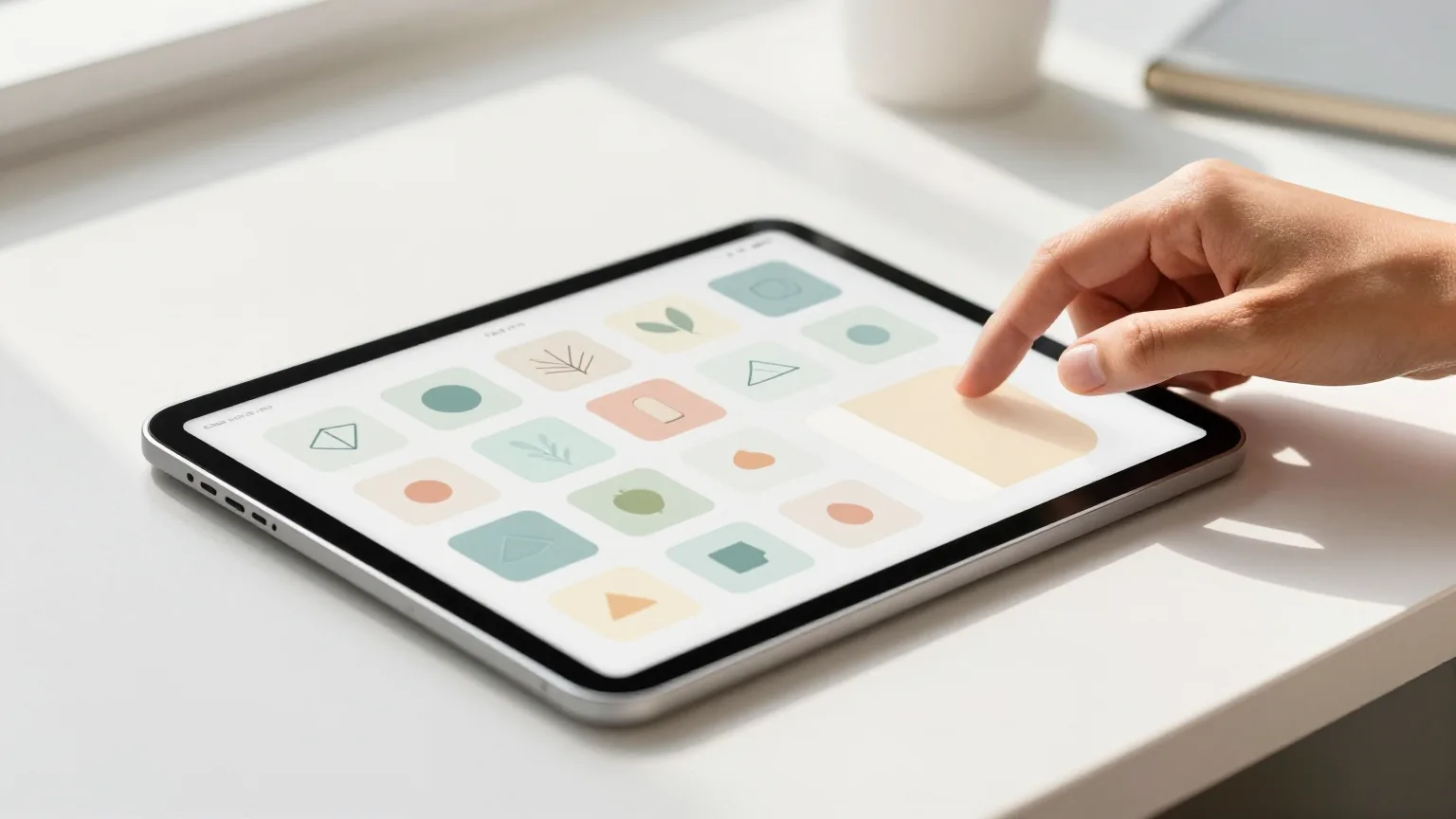
Logo design is one of the most subjective and stressful parts of the design process. Clients often have no idea what they want, and you end up sending them ten options, only to be told they like the colors of option three but the shape of option seven. Looka is an AI-powered logo maker that helps break this deadlock. It uses machine learning to understand brand identity and generate hundreds of logo variations based on your preferences.
It’s not just about logos, though. Looka generates a full brand kit, including color palettes, font pairings, and business card designs. This is incredibly useful for the initial pitch phase. You can show a client a complete visual identity in minutes, rather than spending days on a single logo concept. It allows you to present a cohesive vision that helps the client see the big picture. Even if you don’t use the final logo, the process helps you define the brand’s visual language faster. It’s a great tool for getting out of the "logo loop" and moving forward with the rest of the brand assets.
6. Runway: The Video Editor’s Dream
Video content is king, but editing video is notoriously time-consuming. Runway is an AI-powered video editing platform that makes it possible to create professional-grade video content without a massive post-production team. It offers tools for green screen removal, object tracking, and even text-to-video generation. You can type a prompt like "a drone shot of a futuristic city at sunset," and Runway will generate a short video clip that you can use in your projects.
For designers who need to create motion graphics or video ads, this is a massive time-saver. Instead of animating every frame by hand, you can use AI to generate the base footage and then layer your own graphics on top. The "Inpainting" feature is also incredibly powerful, allowing you to remove or replace objects in a video seamlessly. It’s like having a VFX artist in your pocket. Runway has lowered the barrier to entry for high-quality video production, making it accessible to designers who may not have a background in motion graphics.
7. Copy.ai: The Marketing Copy Partner
Design and copy are two sides of the same coin. A beautiful design with weak copy is a missed opportunity. Copy.ai is an AI writing tool that helps you generate headlines, product descriptions, and marketing copy in seconds. It’s not going to replace a seasoned copywriter, but it’s an excellent tool for overcoming writer’s block and generating initial drafts.
I often use Copy.ai to brainstorm headlines for landing pages. I’ll input the key benefits of a product, and it will generate twenty different angles for the headline. Some will be good, some will be mediocre, but a few will spark an idea that I can refine. It’s a great way to get the creative juices flowing. The tool also helps with SEO by suggesting keywords and optimizing the text for search engines. By integrating AI into the copywriting process, I can ensure that the text on my designs is not only visually appealing but also effective in driving conversions. It’s a small tool, but it has a big impact on the overall effectiveness of the design.
The Human Element: Why You Still Matter
Now, let’s address the elephant in the room: Will AI replace designers? The short answer is no. AI is a tool, not a replacement. It can generate images, suggest layouts, and write copy, but it cannot understand the context of a brand, the nuances of a client’s culture, or the emotional impact of a design. It lacks the human intuition that is the heart of good design.
Think of AI as a super-powered intern. It can do the busywork, it can generate a lot of ideas quickly, but it needs direction. It doesn’t know what "good" looks like in the context of your specific project. That’s where you come in. Your role is shifting from "maker" to "director." You are no longer just drawing the lines; you are curating the output, making the decisions, and adding the human touch that AI cannot replicate. This is a more strategic, higher-level role that requires more creativity and critical thinking, not less.
Ethical Considerations and Best Practices
As we embrace these tools, it is important to be mindful of the ethical implications. AI models are trained on vast datasets of human-created work, which raises questions about copyright and credit. While tools like Adobe Firefly are taking steps to ensure ethical training, it is still the designer’s responsibility to understand the source of the assets they are using. Always check the terms of service for any AI tool you use, and ensure that you have the rights to use the outputs in commercial projects.
Transparency is also key. If you are using AI to generate significant portions of a design, it is a good practice to disclose this to your clients. It builds trust and shows that you are using the tools responsibly. Furthermore, be mindful of bias. AI models can inadvertently perpetuate stereotypes if they are not trained on diverse datasets. As a designer, you have the power to challenge these biases by curating the prompts you use and selecting the outputs that align with inclusive values. AI is a powerful tool, but it is not neutral. It reflects the data it is trained on, and it is up to us to guide it in the right direction.
Conclusion: Embrace the Change
The design industry is changing, and those who resist will be left behind. But those who embrace AI tools will find themselves more productive, more creative, and more competitive. These seven tools are just the tip of the iceberg. The landscape is evolving rapidly, and new tools are emerging every month. The key is to stay curious, to experiment, and to find the tools that fit your workflow.
Don’t be afraid to try something new. Start with one tool, integrate it into your process, and see how it impacts your productivity. You might be surprised by how much time you save and how much more creative you feel. The future of design is not about doing more work; it’s about working smarter. It’s about using technology to amplify your creativity, not replace it. So, go ahead, open that blank canvas, and let the AI help you fill it with ideas. The possibilities are endless, and the best part? You don’t need to write a single line of code to get there.
Call to Action: Which AI tool has saved you the most time? Or are you hesitant to try them? Let me know in the comments below! Share your experiences, your tips, or your concerns. I’d love to hear how you are navigating this new era of design. And if you found this post helpful, share it with a fellow designer who might be struggling with the blank page. Let’s build a community of designers who are leveraging AI to create better work, faster.