7 AI Tools That Actually Beat the Paid Options in 2026
The "Free" Revolution: Why You Might Be Overpaying for AI in 2026
Let’s be honest for a second. How many times have you opened your browser, looked at the sleek, minimalist interfaces of the big-name AI platforms, and felt a slight pang of guilt? Not because you’re using them, but because you’re using the "Pro" tier to save a few cents. We’ve been conditioned to believe that in the world of artificial intelligence, quality comes with a price tag. If it’s not a subscription, it’s not serious. If it’s not enterprise-grade, it’s a toy.

Well, hold that thought. In 2026, the landscape has shifted dramatically. The era of "free" meaning "clunky, limited, and slow" is officially over. Thanks to aggressive competition, open-source breakthroughs, and a new generation of developers who refuse to gatekeep, there is a growing class of AI tools that don’t just compete with paid options—they beat them. And I don’t mean they are "almost as good." I mean they outperform, offer better features, and provide a superior user experience, all for zero dollars.
This isn’t a list of "good enough" alternatives. This is a curated guide to seven AI tools that have genuinely dethroned their paid counterparts in specific categories. Whether you’re a developer, a creative, or a business owner trying to trim your burn rate, this is where the real value is hiding. Let’s dive into the tools that are making the "Premium" badge look a bit obsolete.
The Context: Why the Market Flipped
To understand why we are seeing this shift in 2026, we have to look at the history of software pricing. For decades, the "Freemium" model was the standard. You got a basic version that was intentionally crippled to force you to upgrade. But the AI industry exploded so rapidly that the cost of inference (running the models) dropped significantly while the value of user data and ecosystem lock-in increased.
According to recent industry insights, the focus has moved from "model capability" to "workflow integration." Companies realized that if their free tier is too restrictive, users simply leave for competitors or open-source alternatives [3]. This has created a hyper-competitive environment where even the "free" tiers of major platforms are packed with features that would have been premium-only two years ago. Furthermore, the rise of specialized, niche tools has allowed smaller developers to punch above their weight, offering laser-focused solutions that outperform bloated, all-in-one paid suites [2].
It’s a cultural shift in how we perceive value. We no longer just want the biggest brain; we want the most efficient workflow. And in 2026, efficiency often wins over raw power, especially when the price is zero.
1. The Coding Copilot That Doesn’t Sleep: Continue.dev
If you are a developer, you know the pain of IDE integrations. You want code completion, you want context awareness, and you want privacy. For years, the paid options dominated this space, locking up the best models behind a monthly fee. But in 2026, Continue.dev has emerged as a standout free tool that rivals, and in many workflows beats, the paid enterprise solutions.
Continue is an open-source AI code assistant that integrates directly into your editor. What makes it "beat" the paid options is its flexibility. Paid tools often lock you into their specific model ecosystem. Continue allows you to plug in any model—local, cloud-based, or hybrid—giving you total control over your data and costs [1]. For developers who are privacy-conscious or who want to use a specific, high-performing model for a specific task without a subscription, this is a game-changer. It’s not just a tool; it’s a framework for your own AI development experience. The community support is robust, and the fact that it’s open-source means it’s constantly being improved by the very developers who use it.
2. The Image Generator with a Soul: Stable Diffusion WebUIs
Let’s talk about image generation. The paid giants are great, but they come with strict content filters and limited control over the final output. In 2026, the local Stable Diffusion ecosystem, specifically through user-friendly WebUIs like ComfyUI or AUTOMATIC1111, has matured to a point where it offers a level of control that paid services simply cannot match.
Why? Because you own the hardware and the model. You can fine-tune models on your own data, use LoRAs (Low-Rank Adaptation) to maintain character consistency, and tweak every single parameter of the generation process. Paid tools often abstract these details away, giving you a "good enough" result. But for professionals who need pixel-perfect consistency for branding, animation, or game assets, the free, local option is the only one that works. It requires a learning curve, yes, but the ceiling for quality is infinitely higher. It’s the difference between renting a car and owning a race car.
3. The Writing Partner That Never Judget: LibreChat
Writing assistants have become ubiquitous, but most paid options are locked into a single model’s personality. You want the creativity of one model and the logical rigor of another? Paid platforms make that difficult. LibreChat is a free, open-source interface that allows you to connect to multiple AI providers simultaneously. This means you can switch between models in the middle of a conversation without losing context or paying for multiple subscriptions.
In 2026, this multi-model approach is a huge advantage. You can use a fast, cheap model for brainstorming and a heavy, reasoning model for final drafts, all within the same interface. It’s like having a team of writers, each with their own specialty, available for free. For content creators who need to iterate quickly and test different tones, this flexibility beats any single-model paid subscription. It’s also highly customizable, allowing you to build your own "personas" or workflows, which is a feature often reserved for enterprise tiers of paid tools.
4. The Video Editor That Thinks: DaVinci Resolve (with AI Plugins)
Video editing is traditionally a paid game. Adobe Premiere Pro and Final Cut Pro are expensive. But DaVinci Resolve has long offered a free version that is more powerful than many paid competitors. In 2026, with the integration of advanced AI plugins and native AI features, the free version has become even more competitive. Features like AI-based color correction, object tracking, and speech-to-text are now standard or easily accessible via free community plugins.
The key here is that the free version of DaVinci Resolve is not a "lite" version. It’s a professional-grade tool. For many indie filmmakers and content creators, the paid options offer little to no additional value for their specific needs. The learning curve is steeper, but the output quality is identical. It’s a testament to the fact that sometimes, the best tool is the one that doesn’t hold your work hostage behind a paywall.
5. The Research Assistant That Cites Its Sources: Perplexity (Free Tier) & Open-Source Alternatives
Research is one of the most critical use cases for AI, and it’s also one of the most prone to hallucinations. Paid research assistants are expensive, but the free tier of Perplexity has become surprisingly robust in 2026. It provides cited sources, which is crucial for any serious work. But the real "beater" here is the ecosystem of open-source research tools that have emerged.
Tools like GPT4All and various local LLM setups allow you to run research models on your own hardware. This means you can point them at your own internal documents, PDFs, and data sets without worrying about data privacy or API limits. For businesses and researchers who handle sensitive information, the ability to run a powerful AI model locally, for free, is a massive advantage over any cloud-based paid service. It’s not just about cost; it’s about control and security.
6. The Design Tool That Understands Context: Figma (with AI Extensions) vs. Paid Suites
Design tools are usually paid. Canva, Adobe Creative Cloud, and others all charge monthly fees. But Figma has a generous free tier that, when combined with the right AI extensions, can outperform paid suites for many users. Figma’s free plan allows for unlimited viewers and editors on up to three projects. This is perfect for small teams or individual designers.
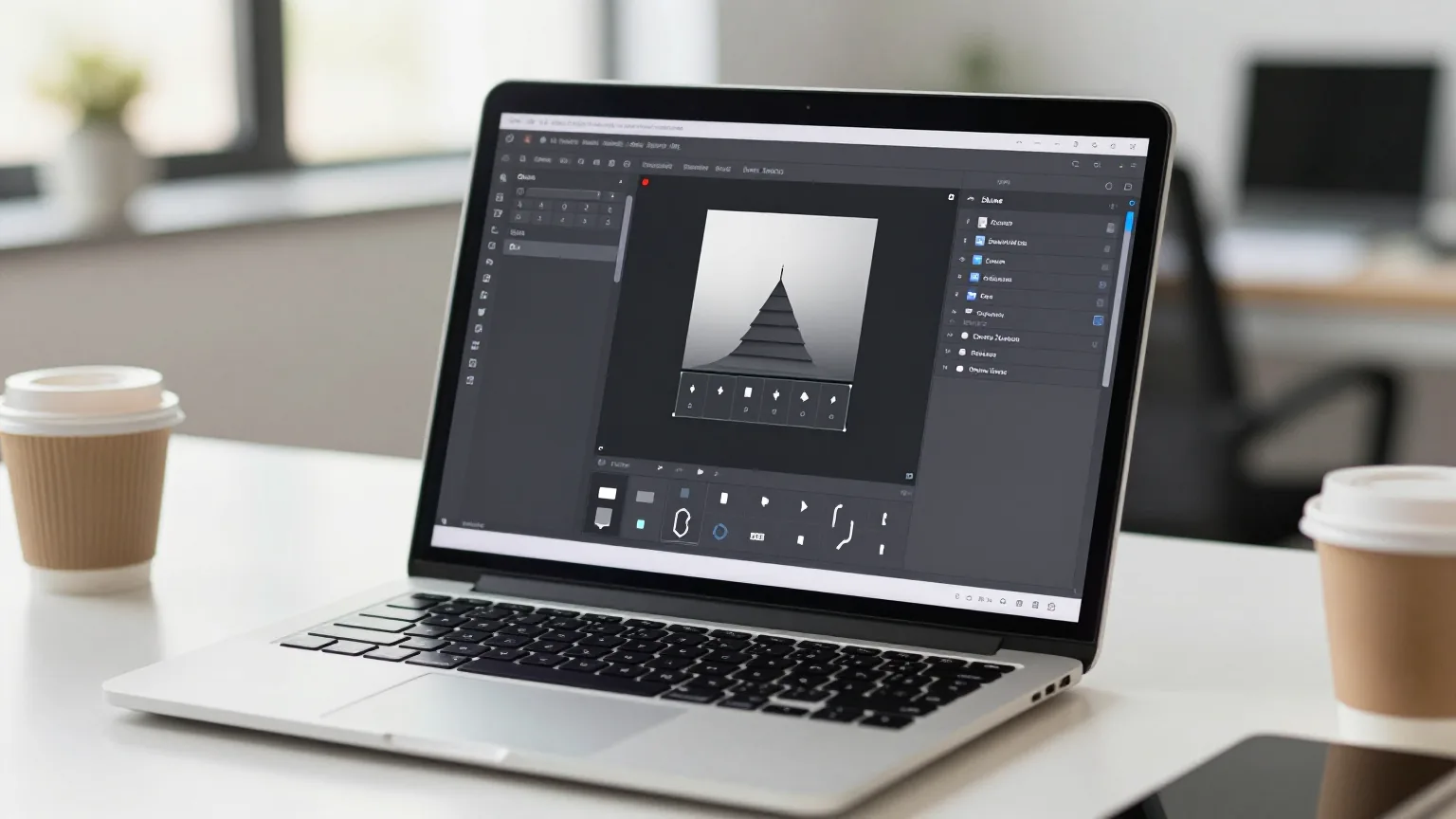
The AI extensions in Figma, such as those for auto-layout, color palette generation, and asset resizing, are often as good as or better than the AI features in paid tools. The collaborative nature of Figma is also a huge plus. You can work with clients and teammates in real-time, which is a feature that many paid desktop-based design tools lack. For web designers and UI/UX professionals, Figma is the de facto standard, and the free tier is more than enough to get started and even run a small business.
7. The Productivity Suite That Automates the Boring Stuff: n8n (Self-Hosted)
Automation is the next frontier of AI productivity. Paid tools like Zapier and Make are great, but they get expensive fast as you add more tasks and steps. n8n is an open-source workflow automation tool that can be self-hosted for free. This means you can build complex automations that integrate AI models, APIs, and databases without paying per task.
Imagine a workflow where an AI reads your emails, categorizes them, drafts responses, and updates your CRM, all automatically. With paid tools, this could cost hundreds of dollars a month. With n8n, it’s free, as long as you have the server to run it. The setup is more technical, but for developers and tech-savvy business owners, the savings are enormous. It’s a powerful reminder that automation doesn’t have to be a subscription service.
The Hidden Costs: What "Free" Really Means
Now, before you rush to cancel all your subscriptions, let’s talk about the hidden costs. "Free" doesn’t always mean "no cost." In many cases, you’re paying with your time, your data, or your hardware.
- Time: Open-source tools often have a steeper learning curve. You’ll spend time setting them up, troubleshooting, and learning the intricacies. If your time is more valuable than the subscription fee, the paid tool might be worth it.
- Data: Some free tools train on your data. This is a trade-off you need to consider. If privacy is paramount, look for tools that offer local processing or clear data policies.
- Hardware: Local AI models require powerful hardware. If you don’t have a high-end GPU, running some of these free tools locally might not be feasible. In that case, the cloud-based paid options might be the only practical choice.
It’s important to weigh these factors against the benefits. For many users, the trade-off is worth it. But for others, the convenience of a paid service is a feature in itself.
Cultural Shift: The Rise of the "AI Tinkerer"
This shift towards free, powerful AI tools is part of a larger cultural movement. We’re seeing the rise of the "AI tinkerer"—individuals who are not just consumers of AI, but active participants in its development and customization. They’re not satisfied with the one-size-fits-all solutions offered by big tech. They want to build, tweak, and optimize their AI workflows.
This is a return to the hacker ethos of the early internet, where software was open, modifiable, and community-driven. It’s a rejection of the "walled garden" model that has dominated the tech industry for the past two decades. For many, using free, open-source AI tools is not just a financial decision; it’s a statement of values. It’s a way of saying, "I value control, transparency, and community over convenience and lock-in."
How to Choose: A Practical Guide
So, how do you decide which tools to use? Here’s a simple framework:
- Identify Your Needs: What are you trying to achieve? Are you a developer, a creative, or a business owner? What are your specific tasks?
- Assess Your Technical Skills: Are you comfortable with command lines, configuration files, and self-hosting? If not, stick to user-friendly free tiers.
- Consider Your Hardware: Do you have the hardware to run local models? If not, focus on cloud-based free tiers.
- Evaluate the Trade-offs: What are you willing to give up in terms of time, privacy, or convenience?
- Start Small: Don’t try to switch everything at once. Pick one tool, try it out, and see if it fits your workflow.
Remember, the goal is not to use the cheapest tool, but the most effective one for your specific needs. Sometimes, that means using a mix of free and paid tools.
The Future: Where Is This Heading?
Where is this heading? The trend is clear. The gap between free and paid AI tools is closing, and in some areas, it has already reversed. We can expect to see more open-source models, more user-friendly interfaces, and more integration with existing workflows. The paid options will continue to offer convenience, support, and enterprise features, but the core functionality will increasingly be available for free.
This is a win for users. It means we have more choice, more control, and more value. It also means that the AI industry is becoming more accessible to a wider range of people, not just those with deep pockets. This is a positive development for innovation, as it allows more people to experiment with AI and build new applications.
However, it’s also a challenge for the industry. How do companies make money if their core products are free? The answer is likely to be a shift towards services, support, and enterprise solutions. The models will be free, but the ecosystem around them will be paid. This is a similar model to what we see in the mobile app world, where the app is free but in-app purchases and subscriptions are the revenue drivers.
Conclusion: Take Control of Your AI Stack
In 2026, you no longer have to choose between quality and cost. You can have both. The seven tools we’ve discussed here are just the tip of the iceberg. There are hundreds of other free AI tools that are outperforming their paid counterparts in specific niches. The key is to do your research, understand your needs, and be willing to experiment.
The AI landscape is changing rapidly. What is true today may not be true tomorrow. But one thing is certain: the power of AI is no longer locked away behind paywalls. It’s available to anyone who is willing to learn, tinker, and build. So, why not take advantage of it? Start with one tool. Try it out. See if it fits your workflow. You might be surprised by how much you can do without spending a dime.
The future of AI is not just about the models; it’s about the people who use them. And those people are increasingly choosing freedom, control, and community over convenience and lock-in. Join them. Start building. Start creating. Start automating. The tools are there. The only thing missing is you.
Call to Action: Which of these tools have you tried? Did any of them surprise you? Share your experiences in the comments below. And if you know of another free AI tool that beats the paid options, let us know. Let’s build a community of AI tinkerers who are redefining what’s possible.